

Add automatic subtitles to your videos and watch them in two languages
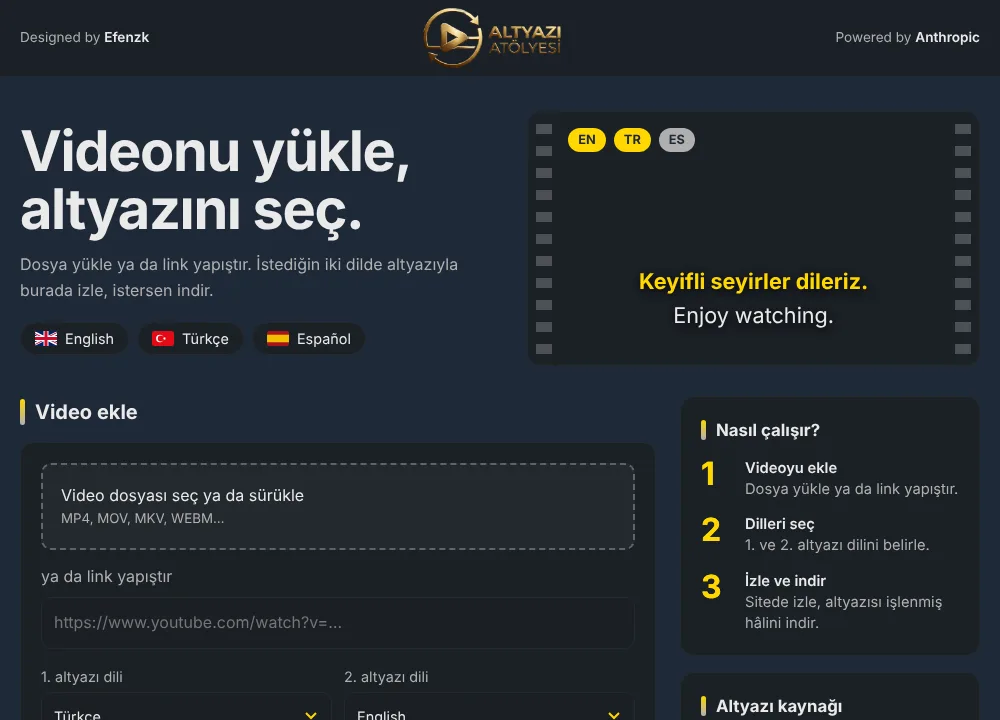
Altyazı Atölyesi turns the speech in your video into text and prepares subtitles in any two of English, Turkish and Spanish. Watch the result online, or download the subtitles as SRT files.
 English
 Türkçe
 Español
How it works
From video to subtitles in four steps.
Add your video
Upload a video file from your computer or paste a video link.
Speech becomes text
If a linked video has original English subtitles, they are used. Otherwise the speech is transcribed with speech recognition.
Choose your languages
Pick a 1st and a 2nd subtitle language from English, Turkish and Spanish. The second one is optional.
Watch and download
Preview the subtitles on the site, then download them as SRT files.
Features
What the tool really does today.
File or link
Upload a video directly or paste a link.
Automatic speech recognition
When a video has no original subtitles, speech is transcribed with Whisper-based recognition.
Original subtitles first
If a video has hand-made English subtitles, those are used. The source is shown on the result screen.
Translation between three languages
Automatic translation for English, Turkish and Spanish.
Two-language subtitles
Show two languages at once on the same video.
Download options
An SRT file for each language. Videos cannot be downloaded; they are only watched on the site.
Why Altyazı Atölyesi?
Two languages at once
Follow a foreign-language video in both the source language and your own, which also helps language learners.
Nothing to install
Everything runs in your browser. No software to download.
Transparent source
The result screen tells you whether the subtitles came from original subtitles or from speech recognition.
Who is it for?
Anyone who wants to reach more than one audience with a video.
- Content creators
- YouTube publishers
- Educators making course videos
- Students and teachers
- International content creators
- Digital marketers
- Video editors
Automatic speech recognition and translation can make mistakes. Review the subtitles before publishing, especially with names, technical terms and noisy recordings.
Frequently asked questions
Which languages can I create subtitles in?
English, Turkish and Spanish. You can pick up to two subtitle languages at a time.
Which formats can I download?
An SRT subtitle file for each language. Videos cannot be downloaded; they are only watched on the site.
How accurate are the subtitles?
Accuracy depends on audio quality, accents and subject matter. We recommend checking the automatic output before you publish it.
Can I process any video?
Only use videos you have the right to process. Do not use other people's copyrighted content without permission.
Ready to create your subtitles?
Add a video, choose your languages and leave the rest to us.
Use the tool